¶ Introduction
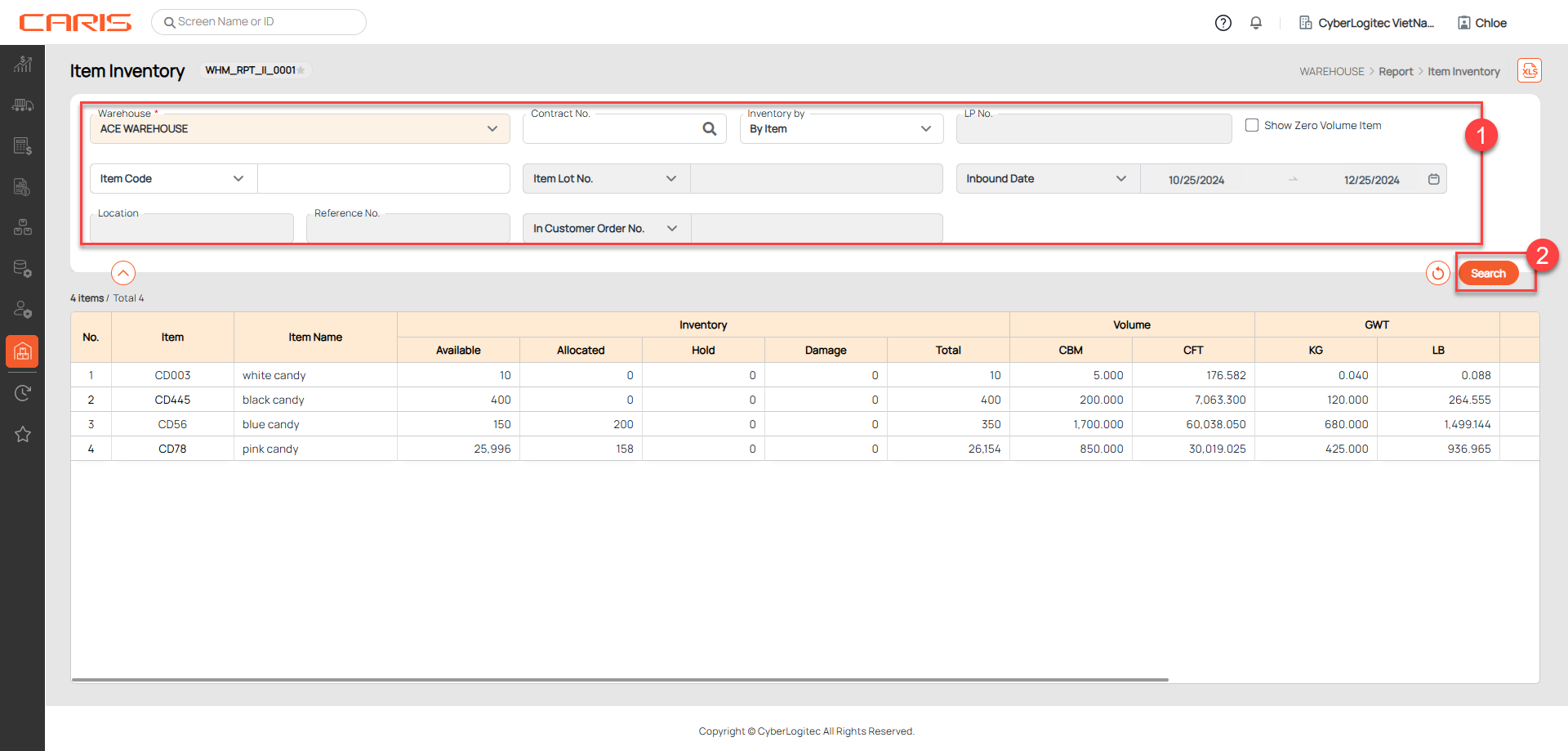
The Item Inventory UI is designed to provide users with detailed visibility into the inventory of items stored in the warehouse. This screen allows users to search and view inventory levels by item, location, or lot.
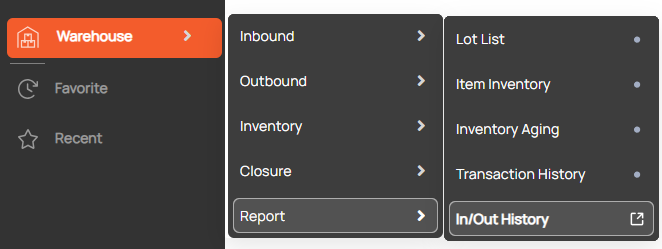
Navigation: Warehouse > Report > Item Inventory
Screenshot
¶ Retrieve Item Inventory
Steps:
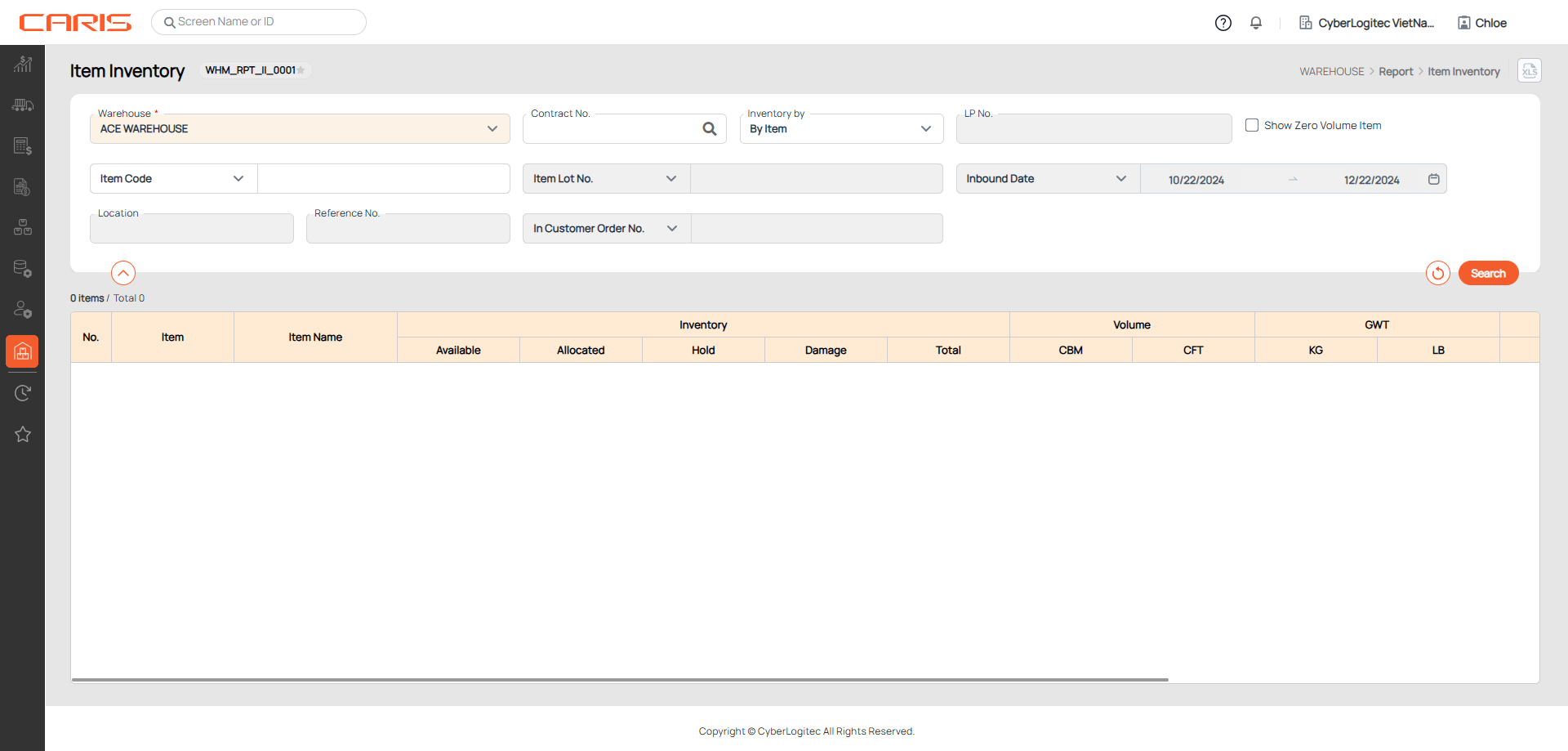
¶ 1. Enter search criteria
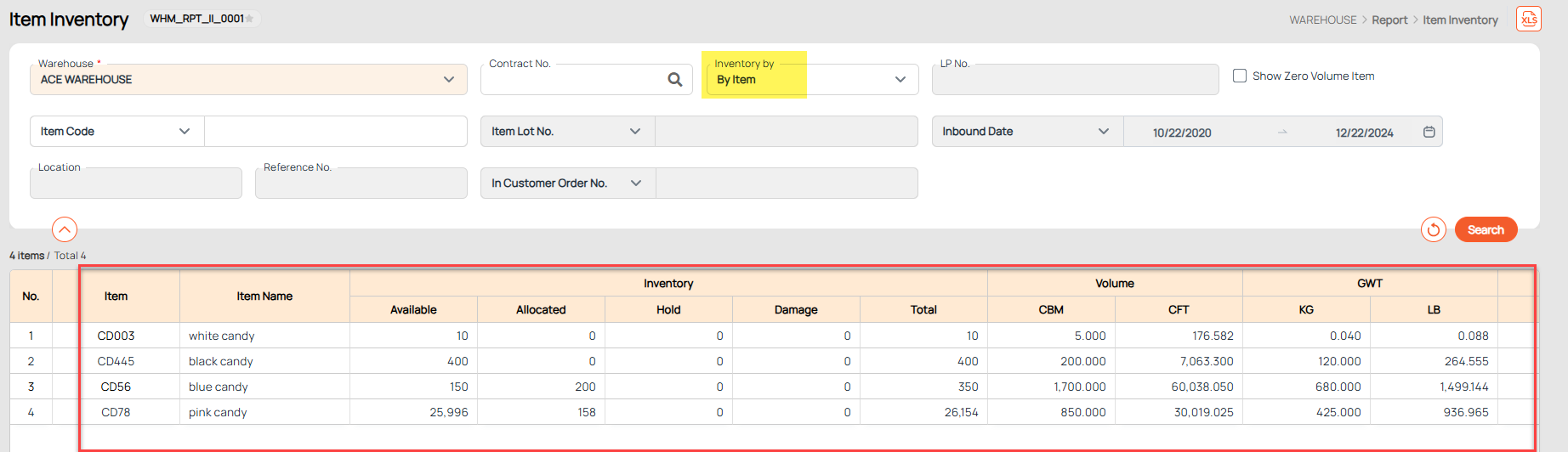
+ Inventory by (Item/ Lot/ Location):
- Inventory by Item: Display inventory grouped by item code and name, without breaking it down by lot or location.
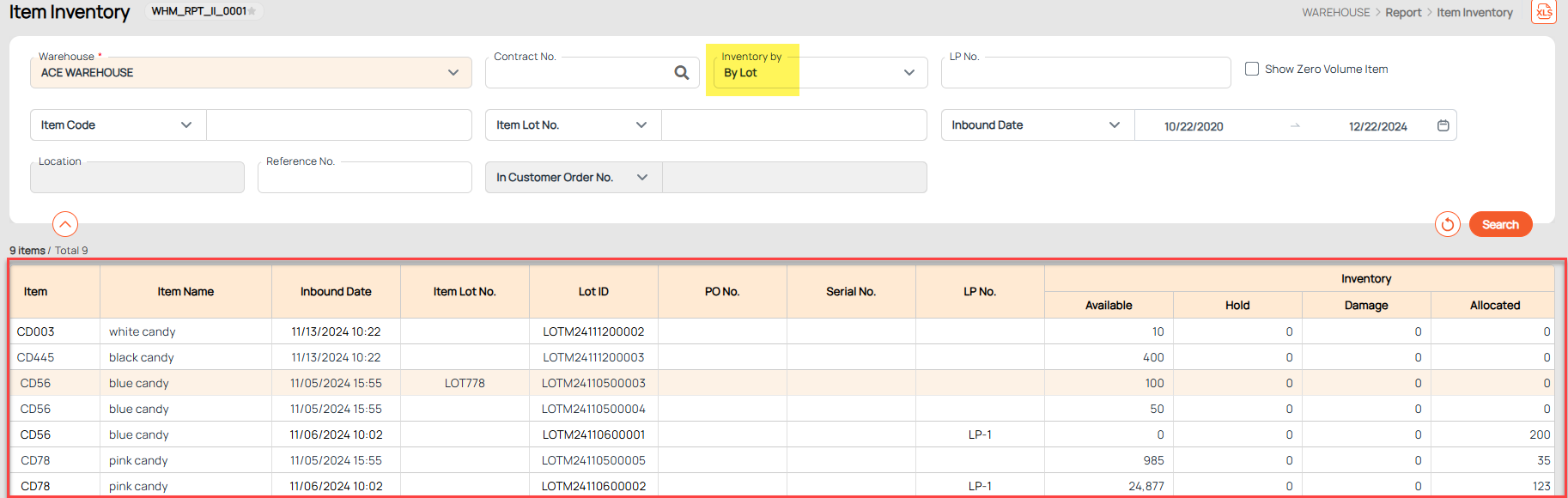
- Inventory by Lot: Display inventory grouped by specific lot IDs for better lot tracking and management.
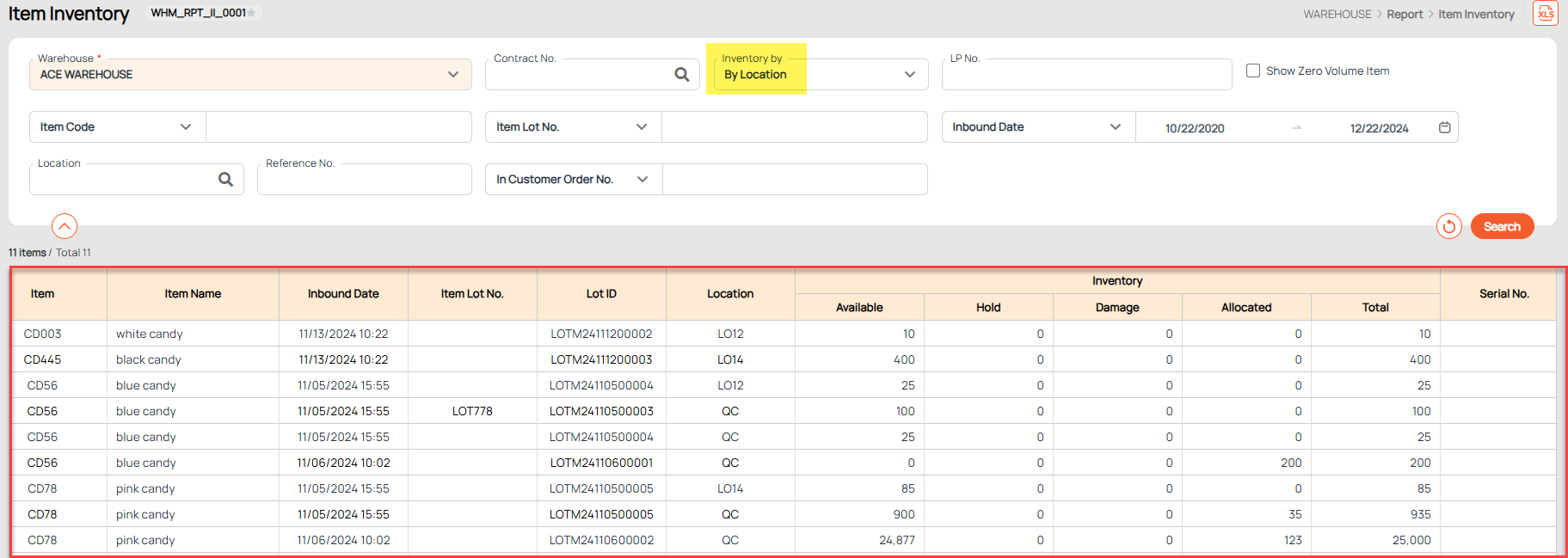
- Inventory by Location: Display inventory grouped by warehouse location for space management and stock allocation.
¶ 2. Click the search button
¶ 3. View results on the grid
- Inventory Available: Quantity of items available in locations with a location type of Normal or Storage.
- Inventory Hold: Quantity of items stored in locations with a location type of Hold, typically due to quality inspection, pending review, or other restrictions.
- Inventory Damage: Quantity of items stored in locations with a location type of Damage, indicating unusable or defective stock.
- Inventory Allocated: The quantity of items currently allocated for outbound orders but have not yet been shipped.
- Inventory Current (Inventory by Lot) / Inventory Total (Inventory by Item, Location): Total quantity of the item in stock. Calculated as Inventory Total = Received Quantity - Shipped Quantity or Inventory Total = Inventory Available + Inventory Allocated + Inventory Hold + Inventory Damage