¶ Introduction
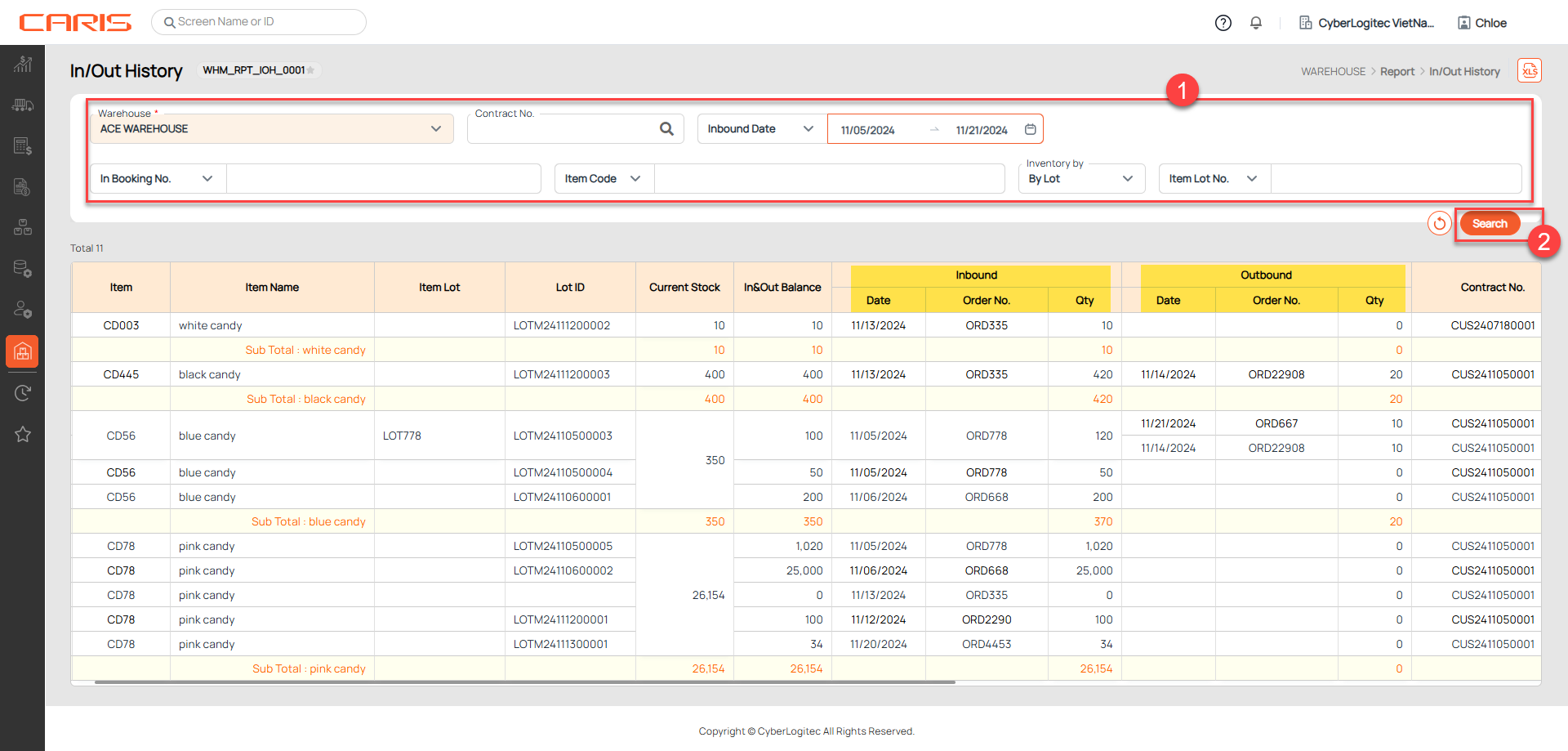
The In/Out History screen allows users to search and retrieve all inbound and outbound transactions of each stock item based on specific criteria. This feature is designed to help users quickly locate and review inbound and outbound inventory activities.
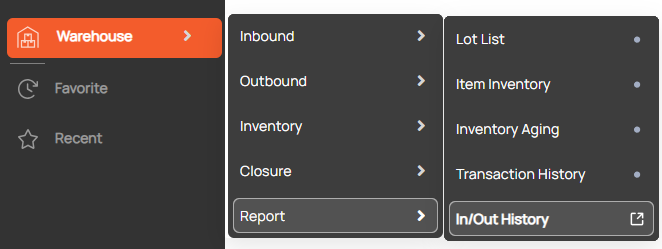
Navigation: Warehouse > Report > In/Out History
Screenshot
¶ Search inbound and outbound transactions
Steps to search:
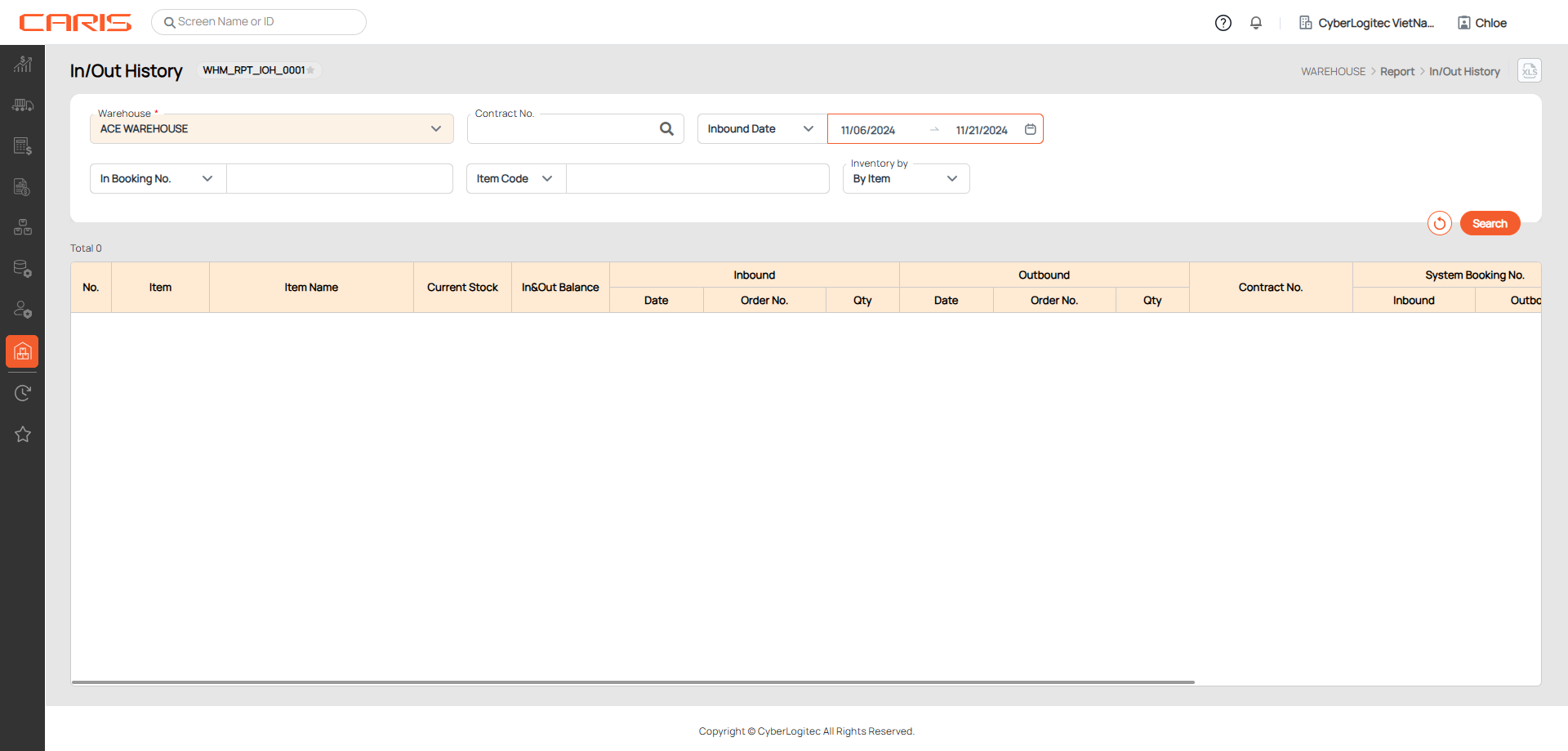
- Enter search criteria
+ Inventory by(Item/Lot ): option allows you to filter and view the inventory data based on either individual items or lot numbers.
- Inventory by Item: Select this option to view the inventory details based on individual items. This will display a list of all items with their corresponding inbound and outbound quantities. Useful when you need to see the movements of specific items in the warehouse.
- Inventory by Lot: Select this option to view the inventory based on lot numbers. This will allow you to see the movements of stock grouped by their lot or batch number. Useful for tracking inventory by batch or for more detailed lot-specific reporting.
- Click the search button
- View results on the grid
- Current Stock: the total physical inventory available in the warehouse, including allocated quantities.
- In&Out Balance: This value represents the net quantity of an item based on inbound (received) and outbound (shipped) transactions. In & Out Balance = Inbound Qty - Outbound Qty.