¶ Introduction
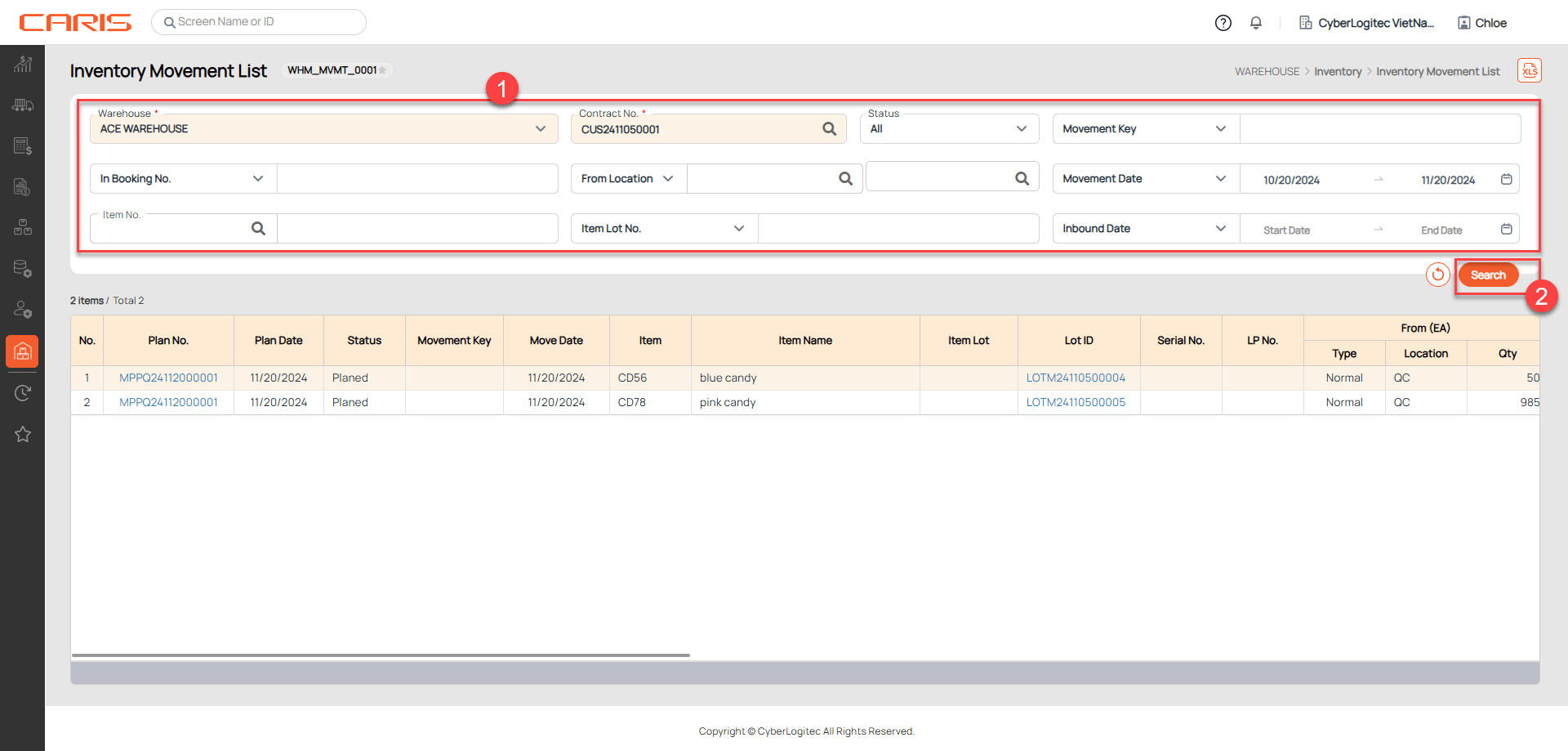
The Inventory Movement List Screen is used to retrieve and view all inventory movements in the system, including:
- Planned Movements: Movements that are scheduled but not yet executed.
- Completed Movements: Movements that have been marked with remarks as completed.
Navigation: Warehouse > Inventory > Inventory Movement List
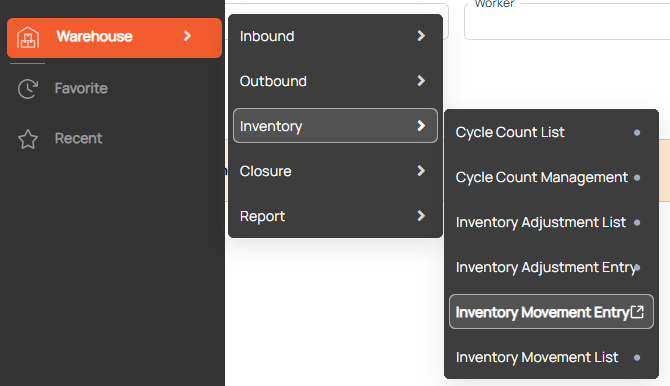
Screenshot
¶ Search Inventory Movement
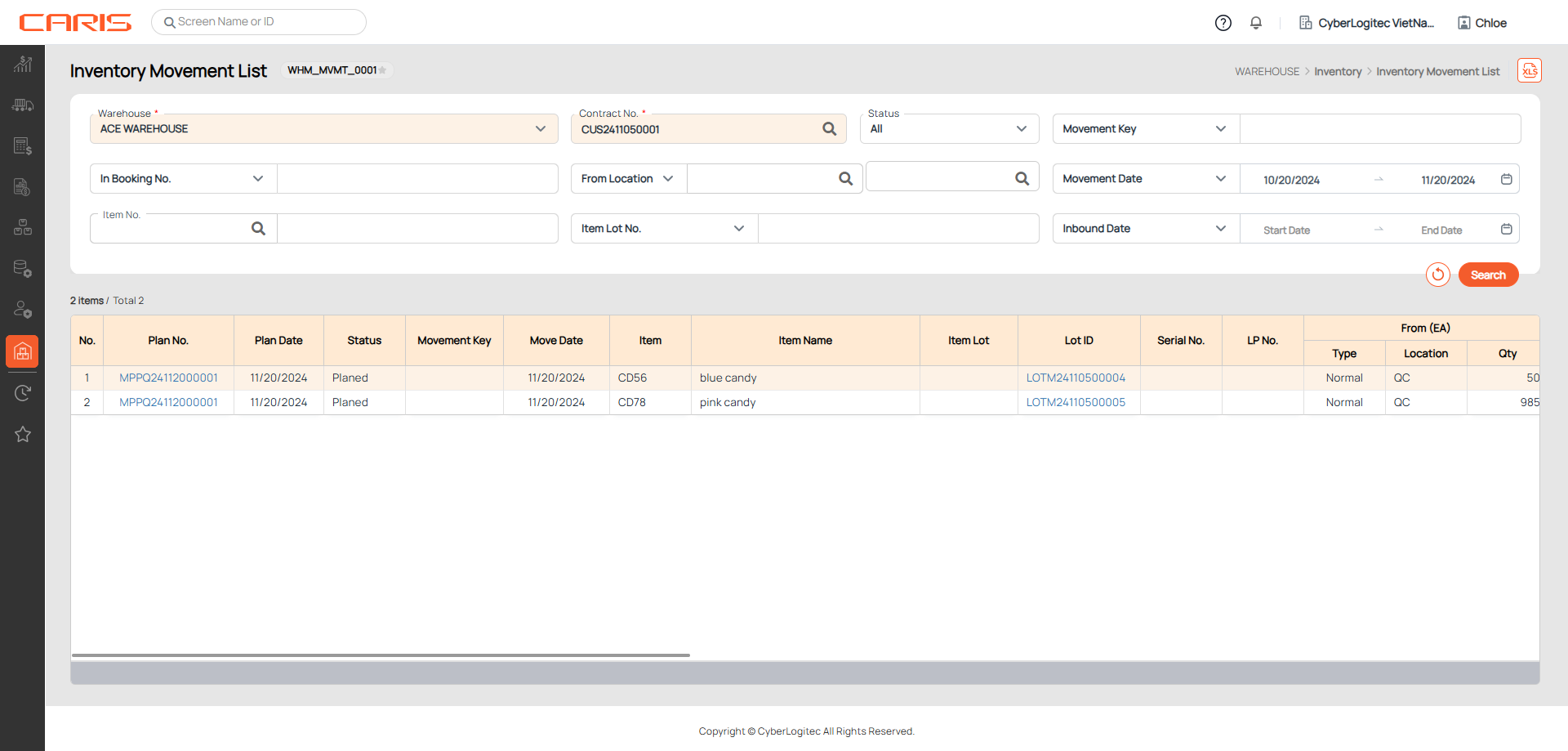
Steps to retrieve Inventory Movement records:
- Enter search criteria
- Warehouse and Contract No. are mandatory fields.
- Click the search button
- View results on grid