¶ Introduction
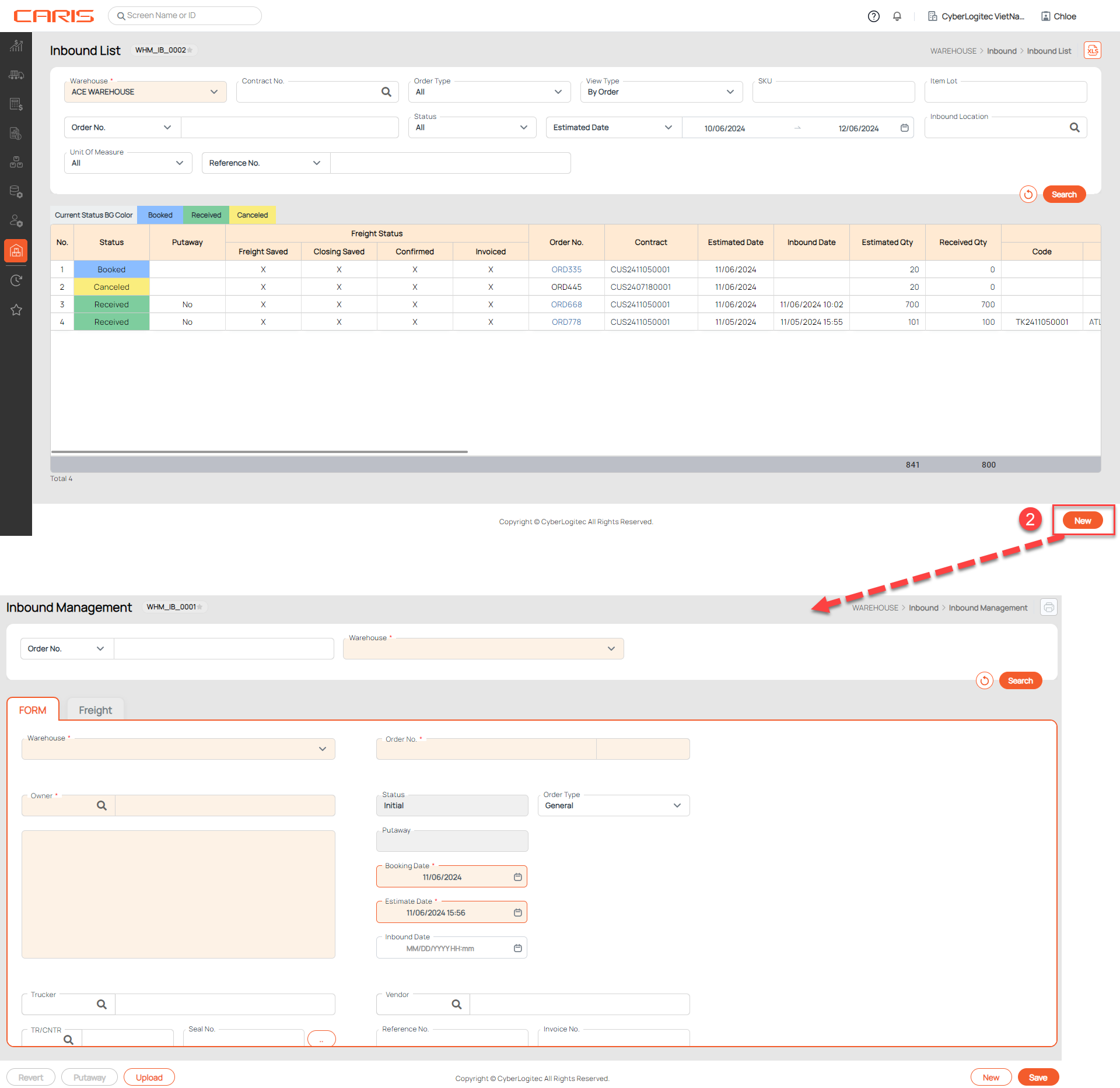
The Inbound List screen allows users to retrieve all inbound bookings in the system at once based on the user’s search criteria.
Navigation: Warehouse > Inbound > Inbound List
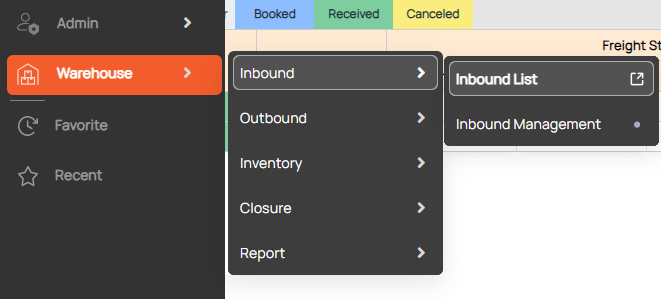
Screenshot
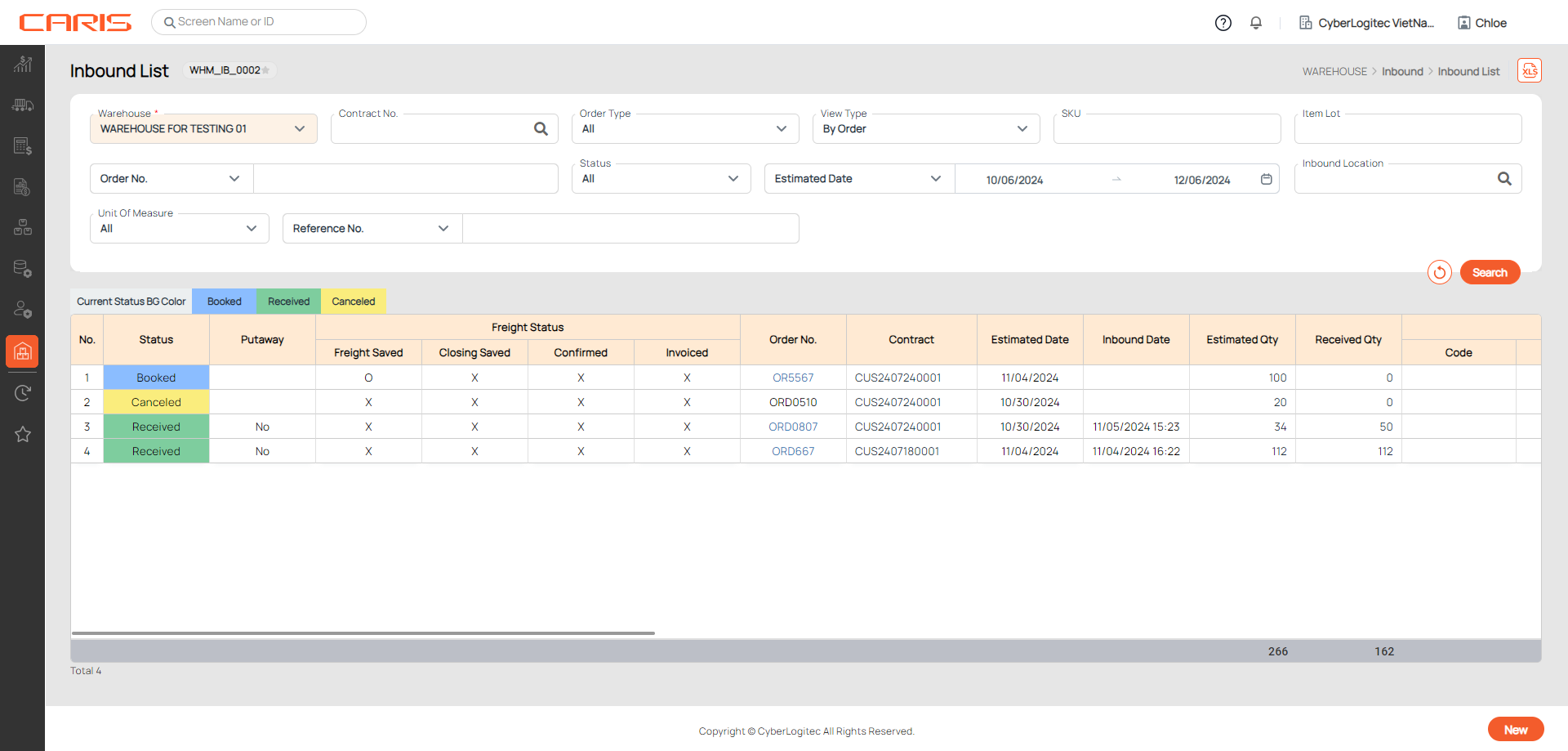
¶ Search Inbound booking orders
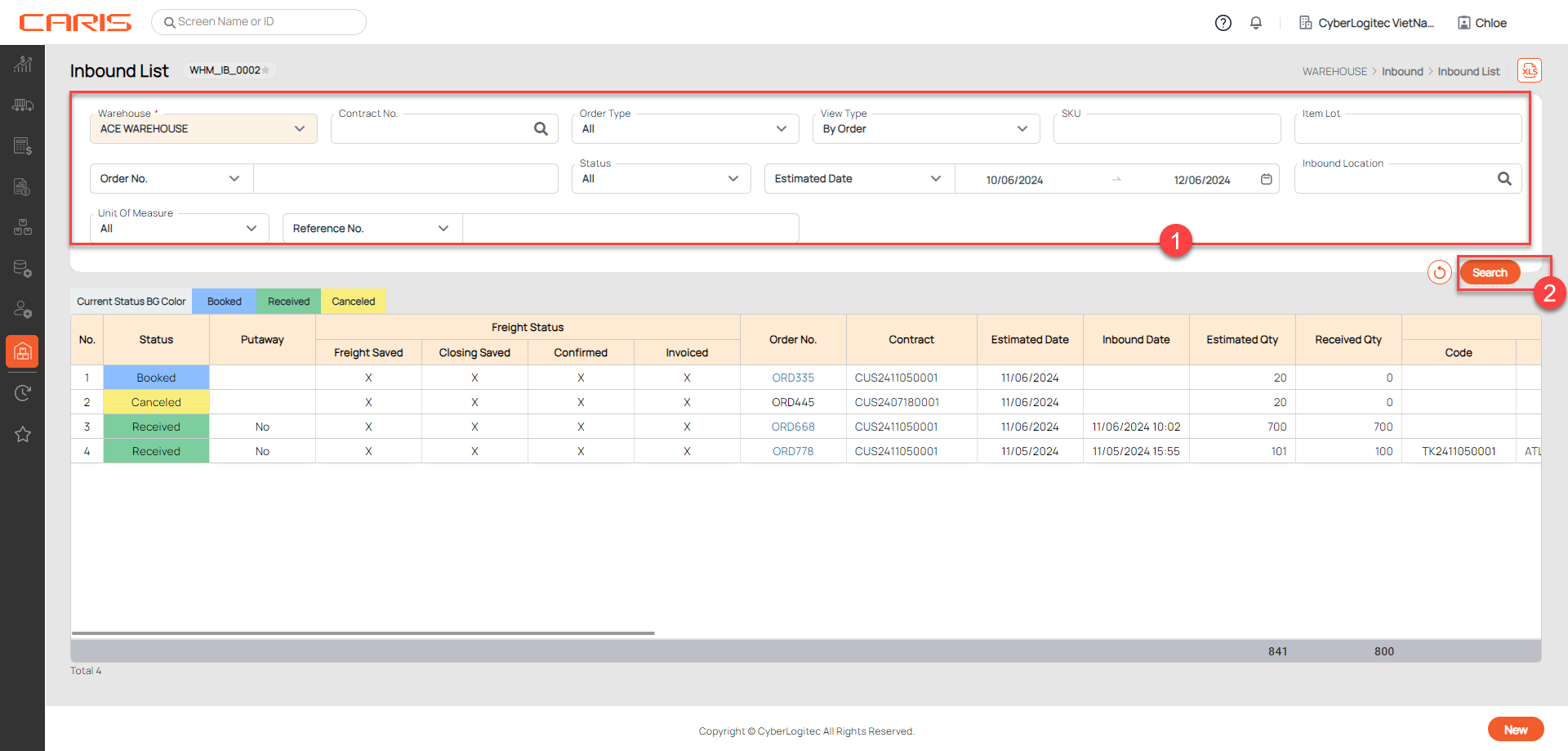
- Enter search criteria
- Click the search button
- View results on grid
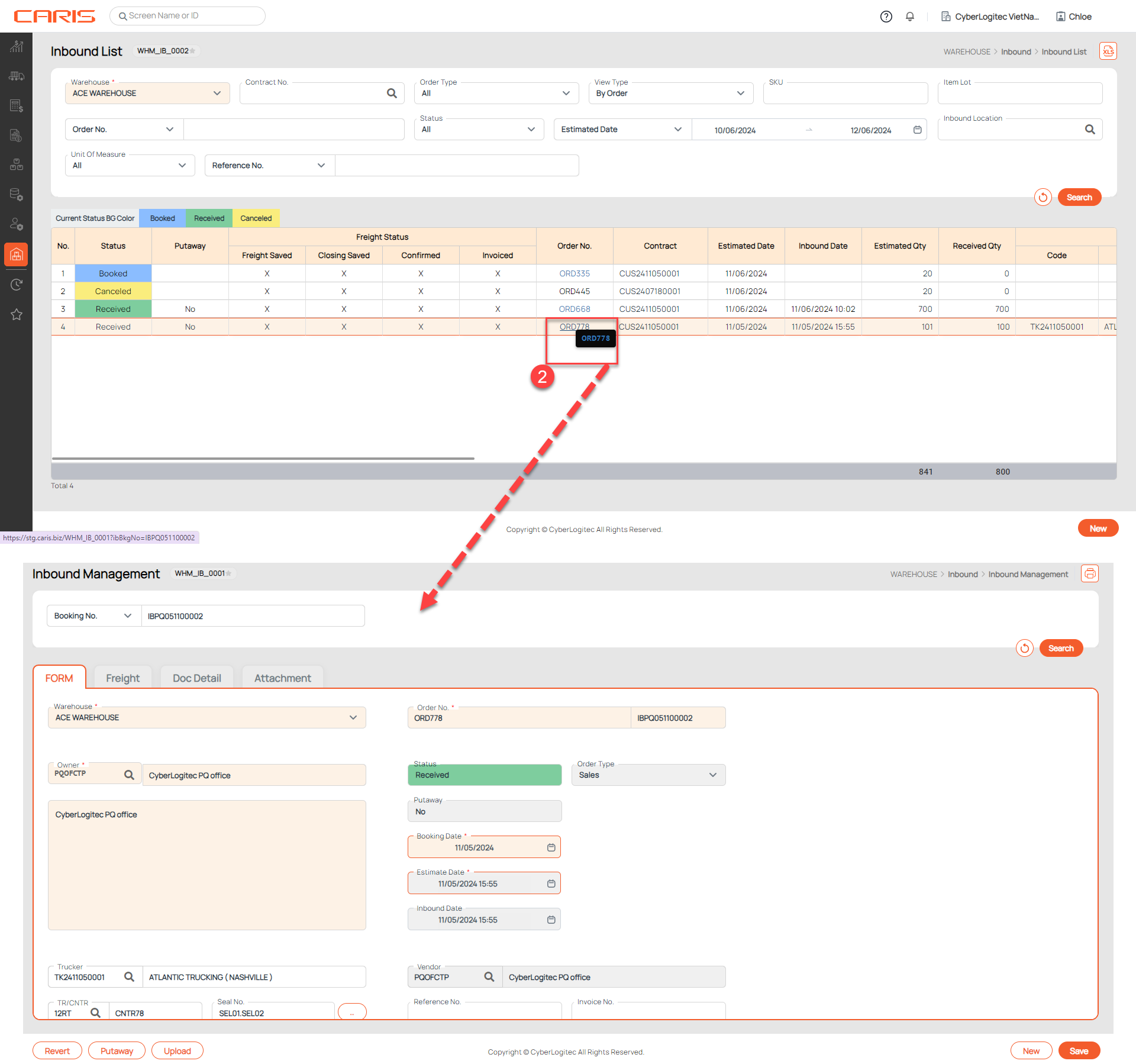
¶ Open Inbound management screen
¶ View details of saved booking
- Search Inbound booking orders
- Click on Order Number to see the detailed information of the inbound booking order
¶ Create the new inbound booking order
- Search Inbound booking orders
- Click the new button