¶ Introduction
Screen support user in creating items for a typical contract
Navigation
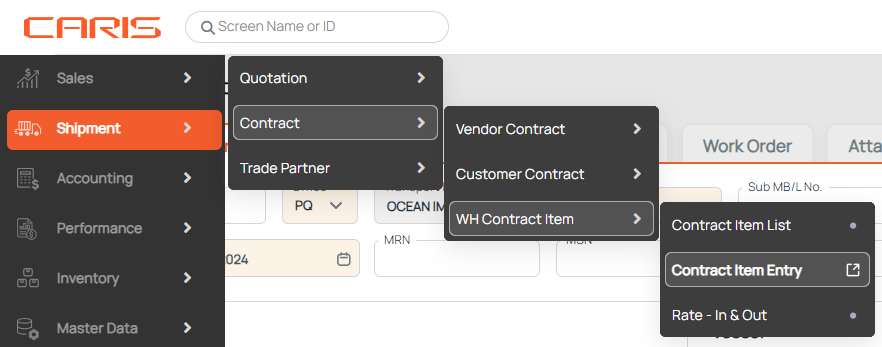
- Go to Sales > Contract > WH Contract Item > Contract Item Entry
2. The Contract Item Entry screen will be loaded per the below image

¶ Main features
¶ 1. Create a new item for the warehouse contract
- Enter Contract Number
- Click Add button
- Enter information about the item
- Item code: item ID given out by customer.
- HTS code: the international regulated code for each item, basing on type, characteristics and functions.
- Barcode No.: the number given by manufacturer.
- Safety stock Qty: the amount of stock that is assured to keep safe no matter what happens
- Click Save button

¶ 2. Retrieve information of item
1. Enter Contract Number
- After entering contract number, a list of items for that contract will be displayed.

2. Select the item code in a list item
After selection, item detail will be shown
