¶ Introduction
WH Document List screen is used to retrieve WH Documents generated in the system and make an invoice for them.
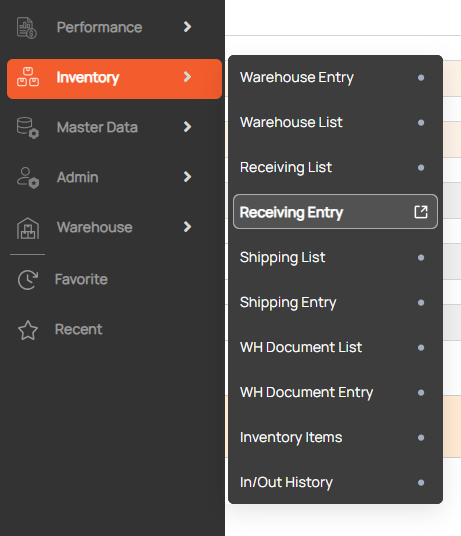
Navigation: Go to Inventory > WH Document List

¶ Search the WH Document
- Enter search condition to find a Shipping
- Click search button

¶ Link to WH Document Entry
1. Show detail WH Document
- Double-click on a row in the grid to show detailed documents on the WH Document Entry screen.

2. Create new WH Document
- Click New button to open the WH Document Entry screen with the initial status.

¶ Create Invoice
- Choose a WH document
- Click Accouting(A/R , A/P, D/C) button to open invoice entry
- When click Create Invoice > A/R then open A/R Invoice UI
- When click Create Invoice > A/P then open A/P Invoice UI
- When click Create Invoice > D/C then open D/C Entry UI
