¶ Introduction
the Shipping List screen is used to retrieve the Shipping that was saved in the system.
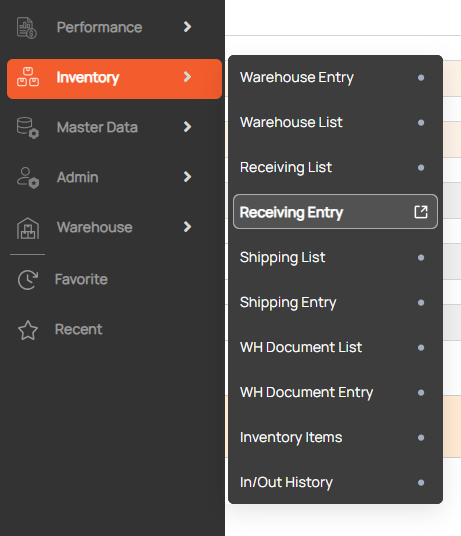
Navigation: Go to Inventory > Shipping List

¶ Search WH Shipping
- Enter search condition to find a Shipping
- Click search button

¶ Link Shipping Entry
1. Show detail WH Shipping
Double-click on a row in the grid to show detailed outbound order on the Shipping Entry screen.

2. Create new WH Shipping
Click New button to open the Receiving Entry screen with the initial status.

¶ Print Picking Slip
- Select a row in the grid.
- Click Print icon to show a preview of Picking Slip.
