¶ Introduction
Receiving Entry screen plays the role of an announcement of inbound, from noticing of arrival, receiving, and reporting after received.
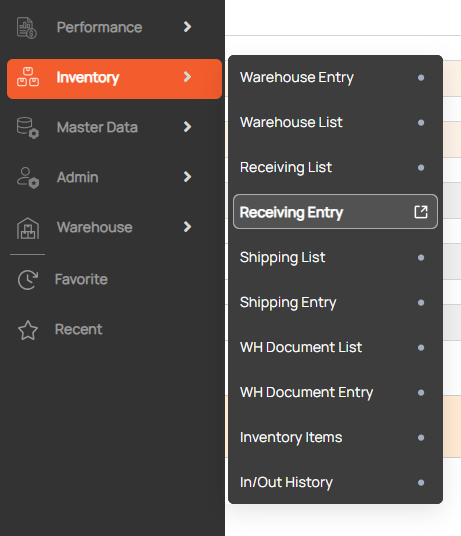
Navigation: Inventory > Receiving Entry.

¶ Create warehouse receiving info
1. Click New button
2. Enter information about a inbound booking
- Receiving No: the code of receiving notice. NOTE - Receiving No display ‘AUTO’ text means that if user does not input, the system will automatically generate the code.
- Received (check-box): the status of current inbound report, whether it is received (checked) or not (left blank).
- Received Date: actual date of items’ receiving; Receive Date is enabled to modify when ‘Received’ box is checked.
- Received by: office will receive items.
- Customer: The system will fill in the Customer based on the contract selected.
- Supplier: office handling this transaction.
- Trucker (shipper): office providing shipment.
- Pallet: number of pallets carrying items.
- Customer Ref. No: the code of order (receiving) given by the customer to refer in case.
3. Click the Add Row button to add items to the grid
- Item: chosen from the Item pop-up. The Item popup shows the items in the contract.
- Unit: one among units of the current item set in its Contract Item Entry screen.
- Inner Qty: The system will fill in the Customer based on the Unit selected.
- Qty.: the numbers of Unit will be received.
- Unit – L/W/H: This data is retrieved from Contract Item Entry record yet still can be adjusted as user wishes to.
4. Click Save button.
¶ Update the receiving document status to received
Tick in the "Received” checkbox to define the actual receive date and ‘Save’. After that, items’ data in range turns non-modifiable.
¶ Retrieve warehouse receiving info
- Enter search condition to find a Receiving
- Click search button

¶ Print WH receipt
Click print icon to show a preview of WH Receipt.
