¶ Introduction
The In/Out History screen retrieves the amount of inventory in each transaction processed on a definite Date and Time.
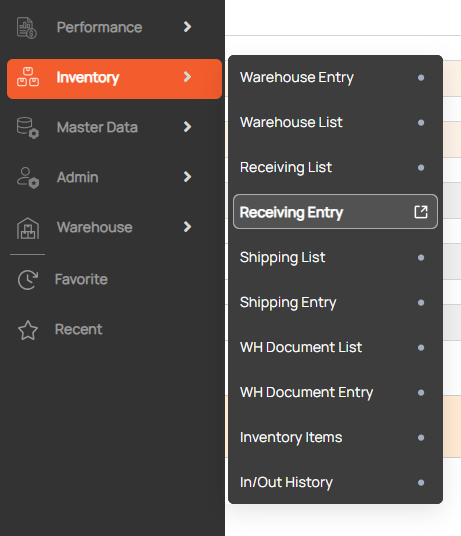
Navigation: Go to Inventory > In/Out History

¶ Search inbound/outbound history
- Input search condition
- Warehouse and period are mandatory field

2. Click search button

Sub Total
- The beginning Balance is the Beginning Balance of the first transaction.
- The Ending Balance is the Ending Balance of the last transaction.