¶ Introduction
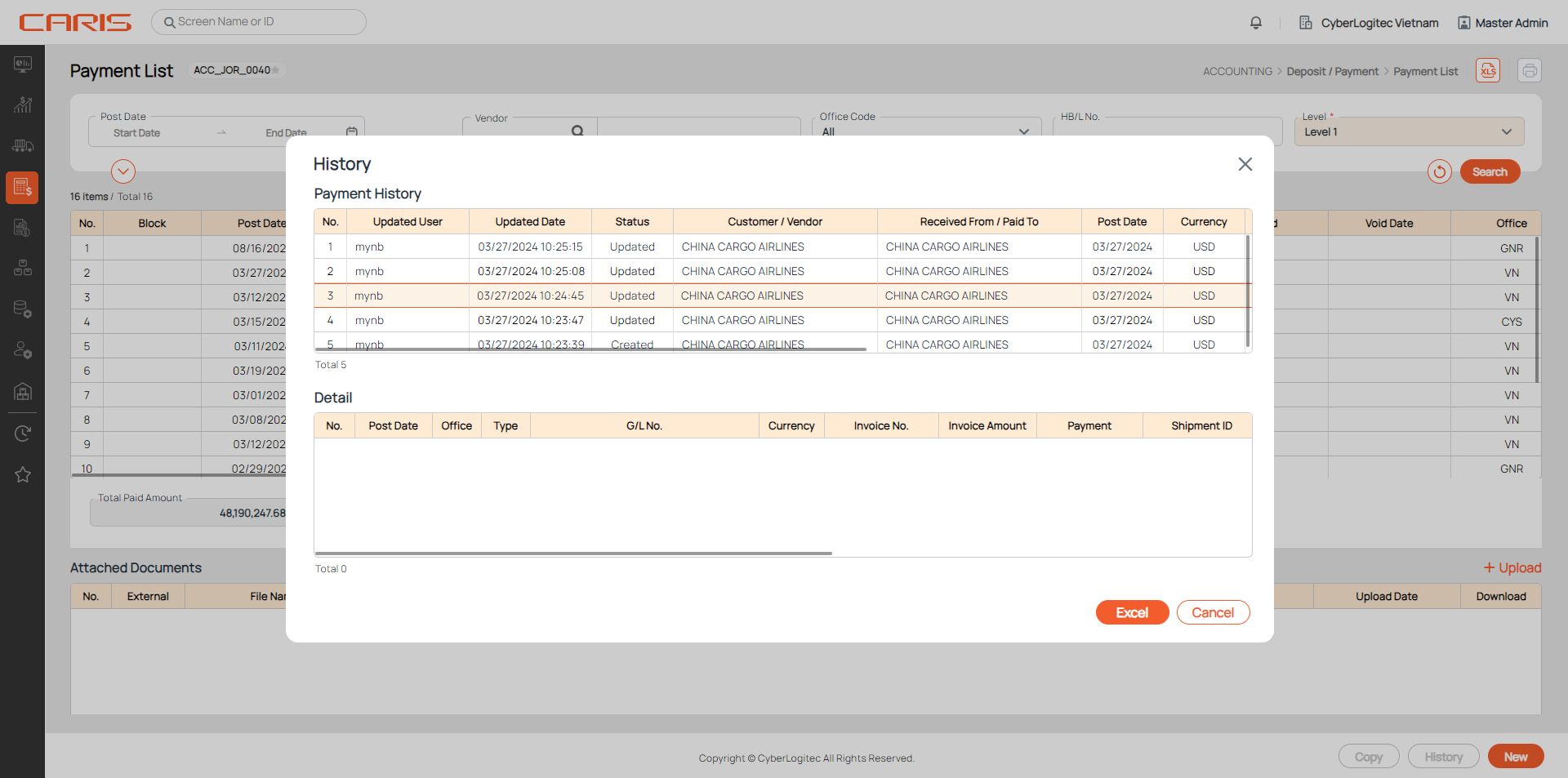
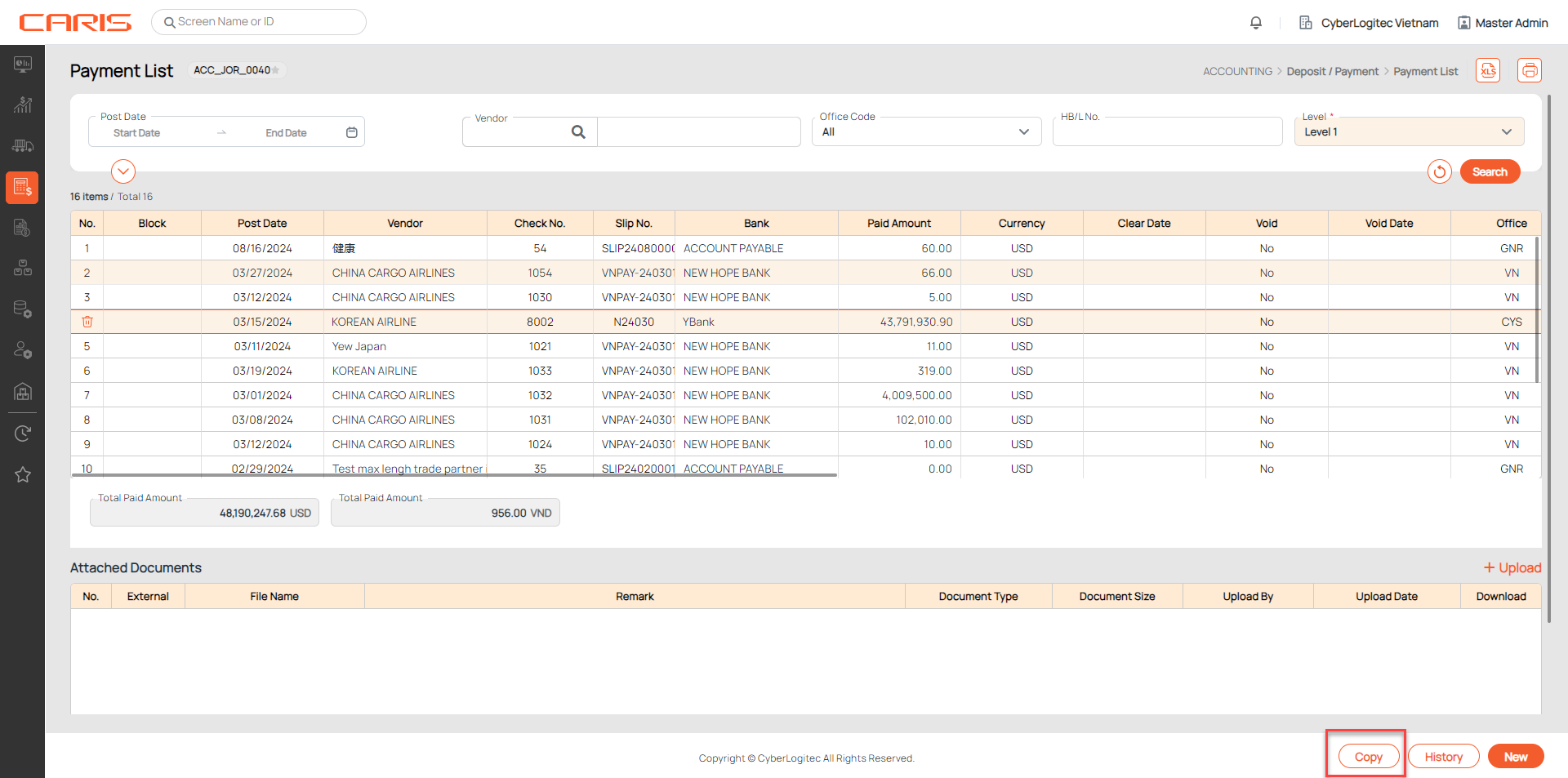
This screen allows you to search all registered payments, go to payment entry and check payment history.
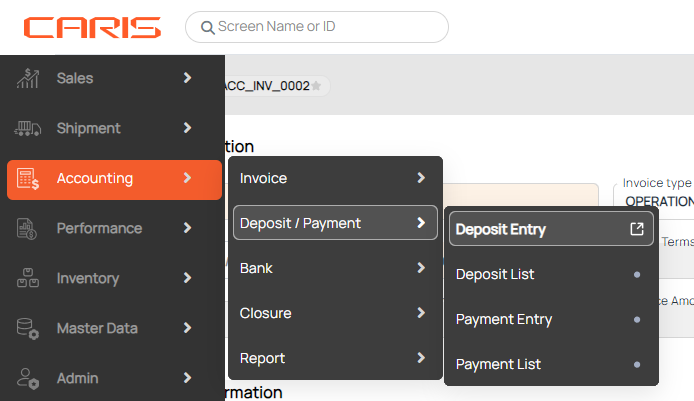
Navigation: Accounting > Deposit/ Payment > Payment List
¶ Search payment
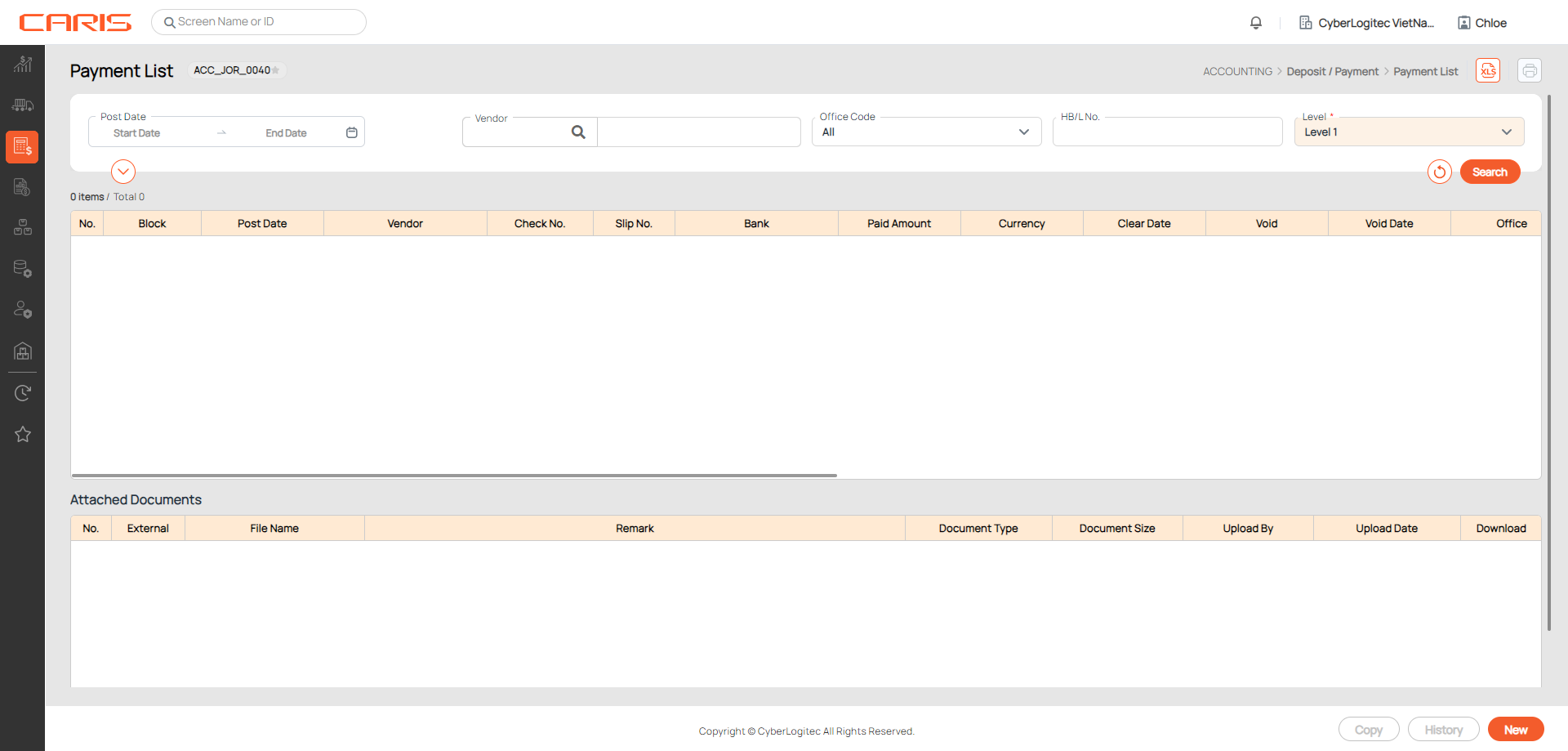
1. Enter search conditions.
2. Click on the Search button to generate results.
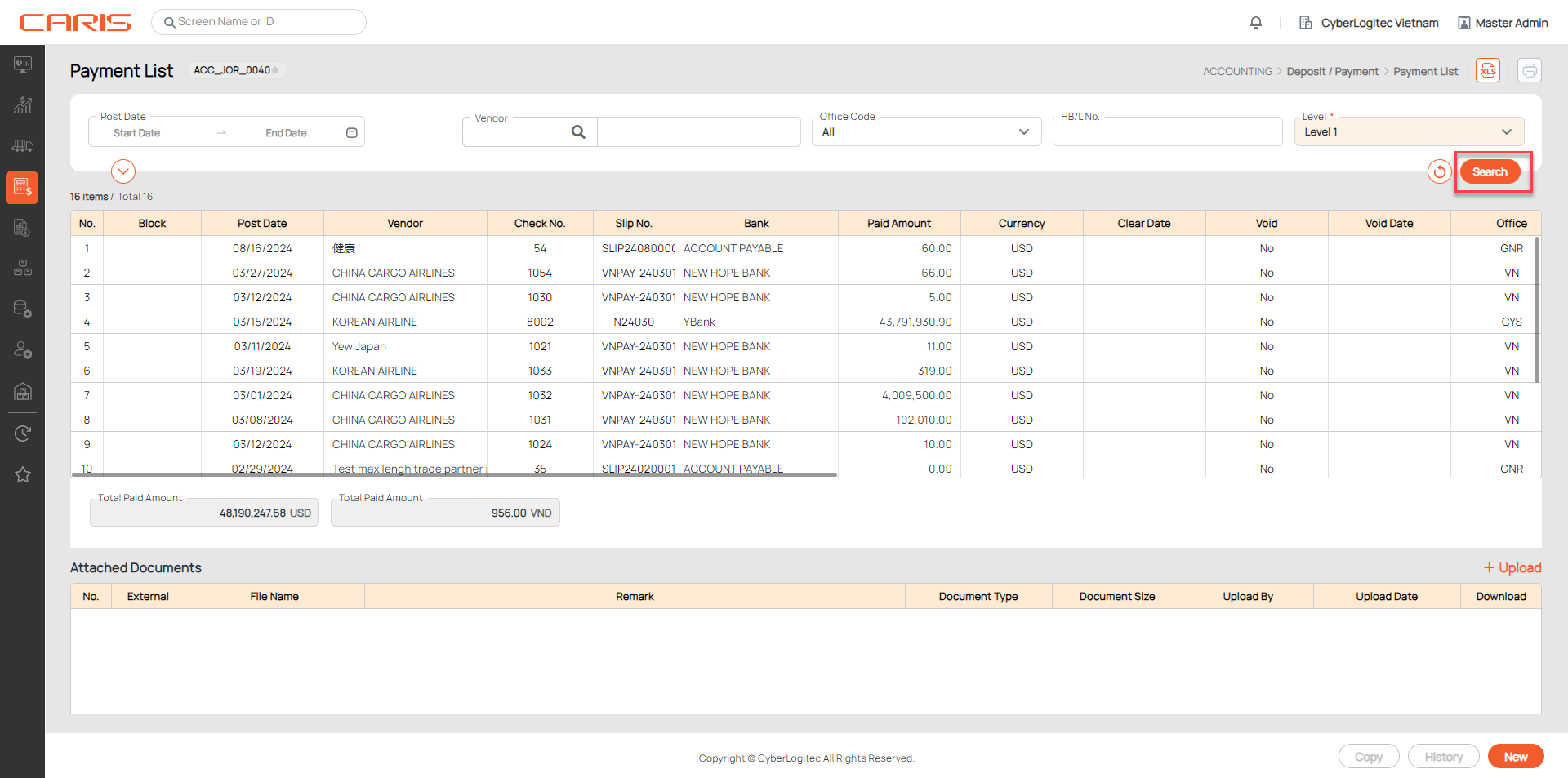
3. In the table, double click on a row to open a detailed Payment entry.
¶ Copy payment
- Select the payment.
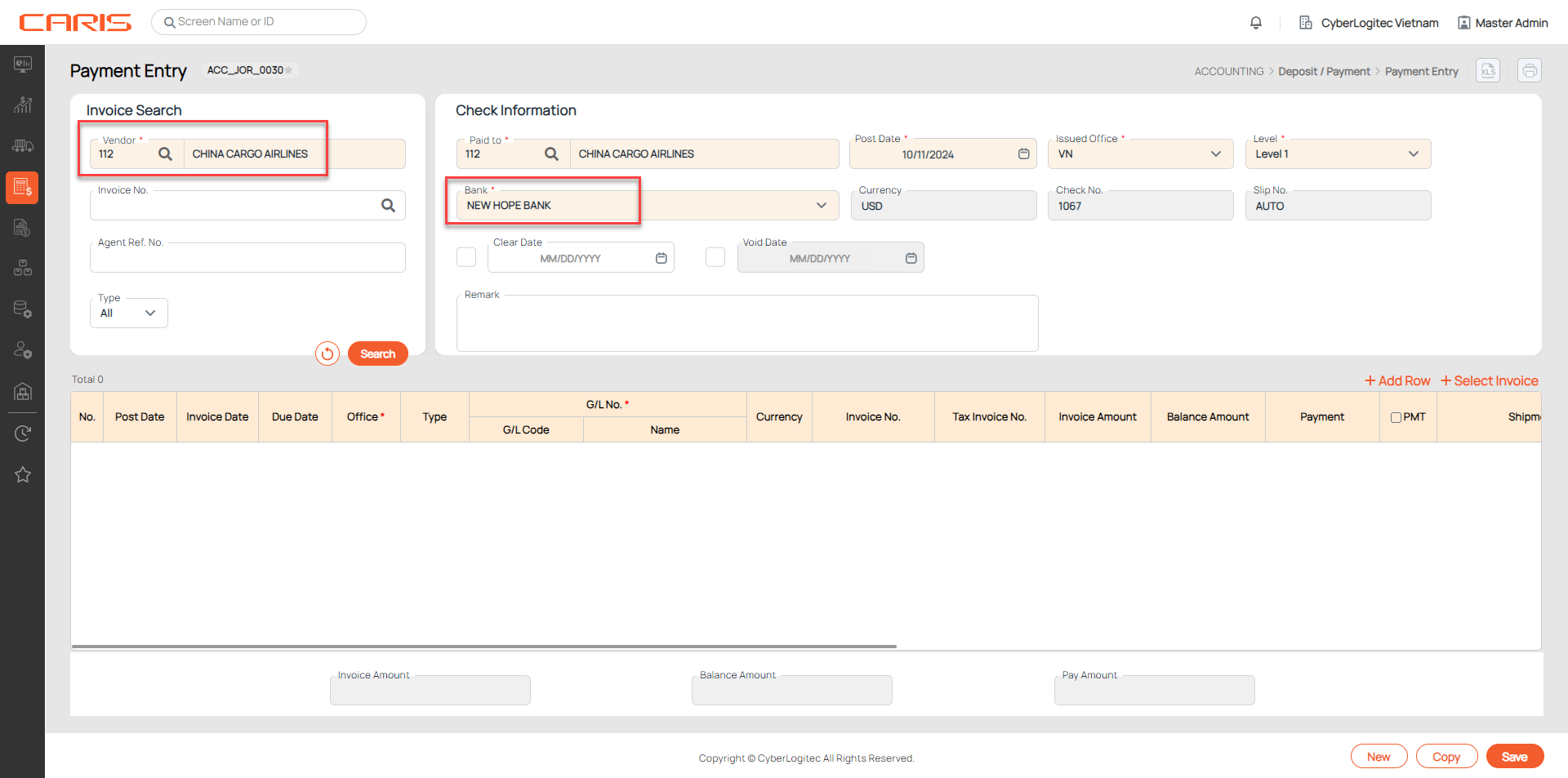
- Click on the Copy button. A new Payment entry with the same vendor and bank information will generate.
¶ Check history
- Select payment.
- Click on the History button to check all updates related to the payment.