¶ Introduction
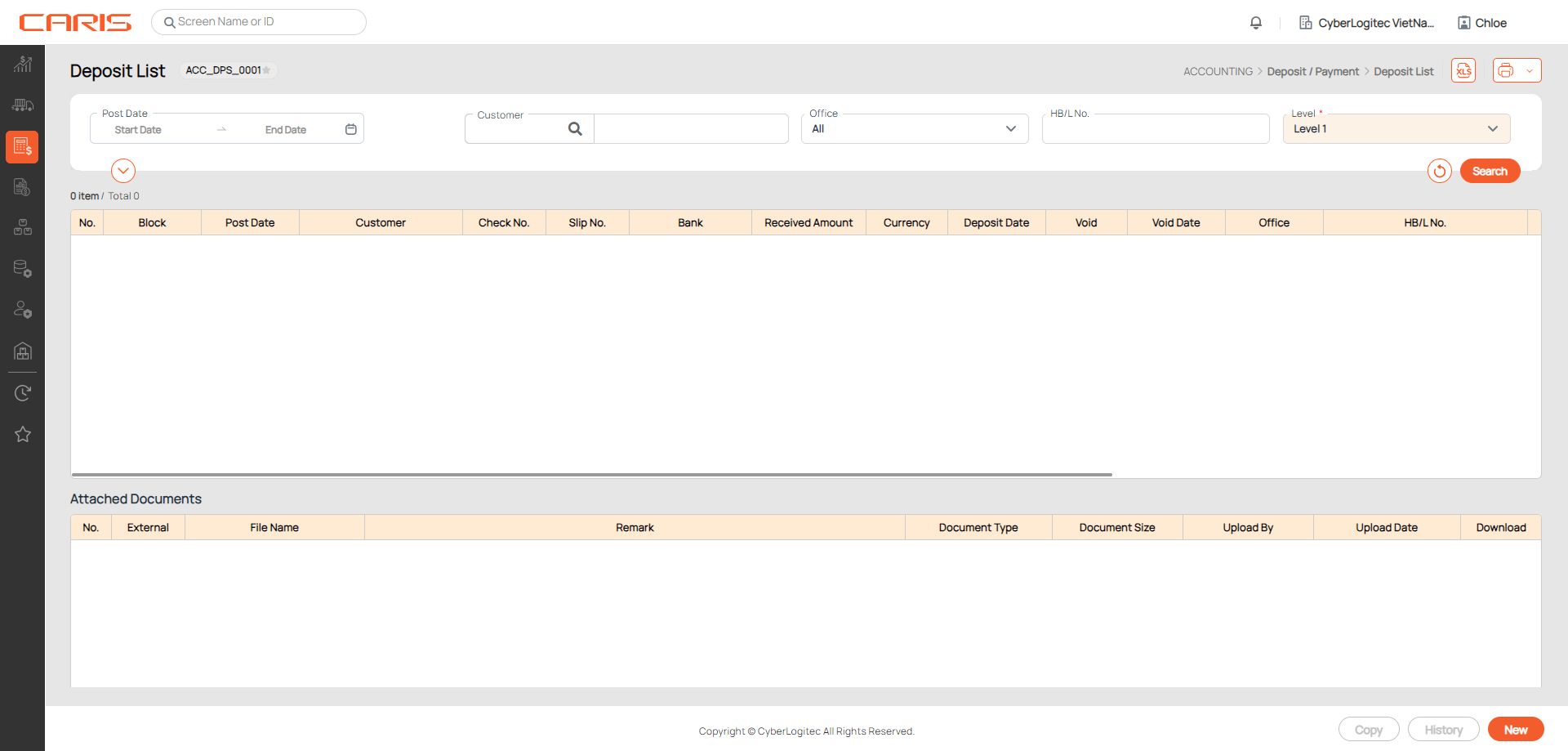
This screen allows you to search all created deposits based on your conditions. You can also copy deposits to create new ones, delete incorrect deposits, or review the history.
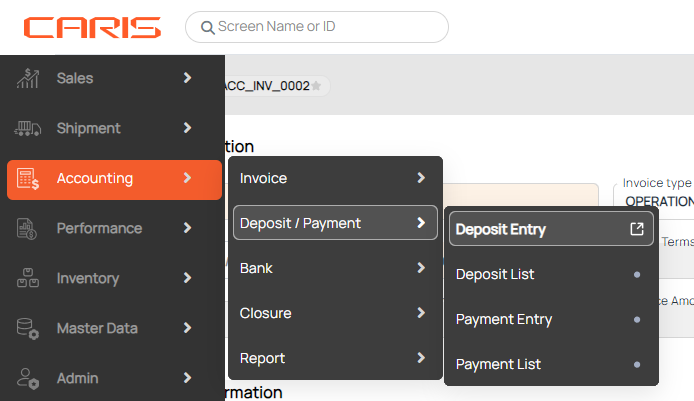
Navigation: Accounting > Deposit/ Payment > Deposit List
¶ Search deposit
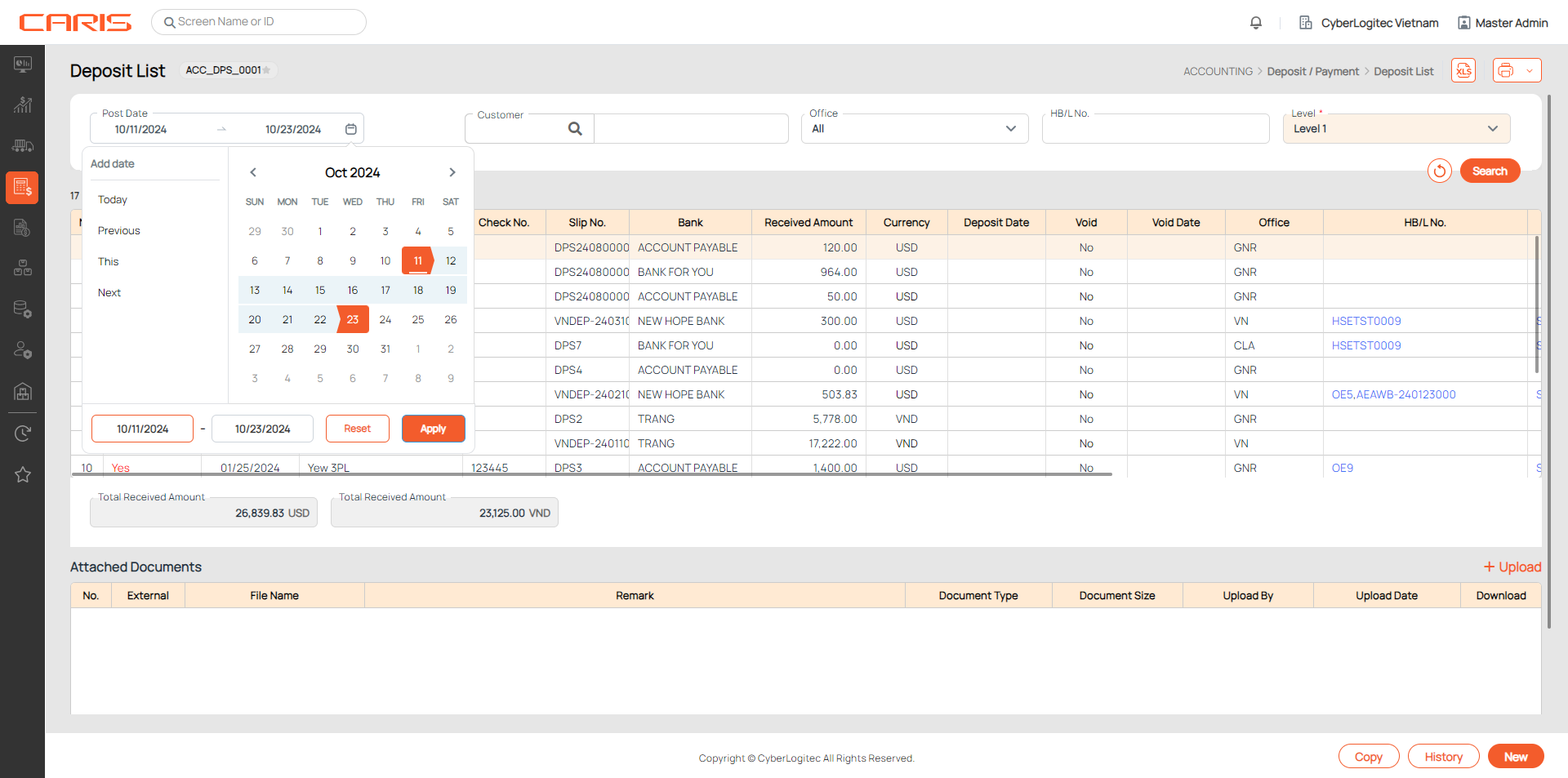
Decide your search conditions, then click Search to find the deposit.
¶ Create deposit
1. Click on the New button to create a deposit.
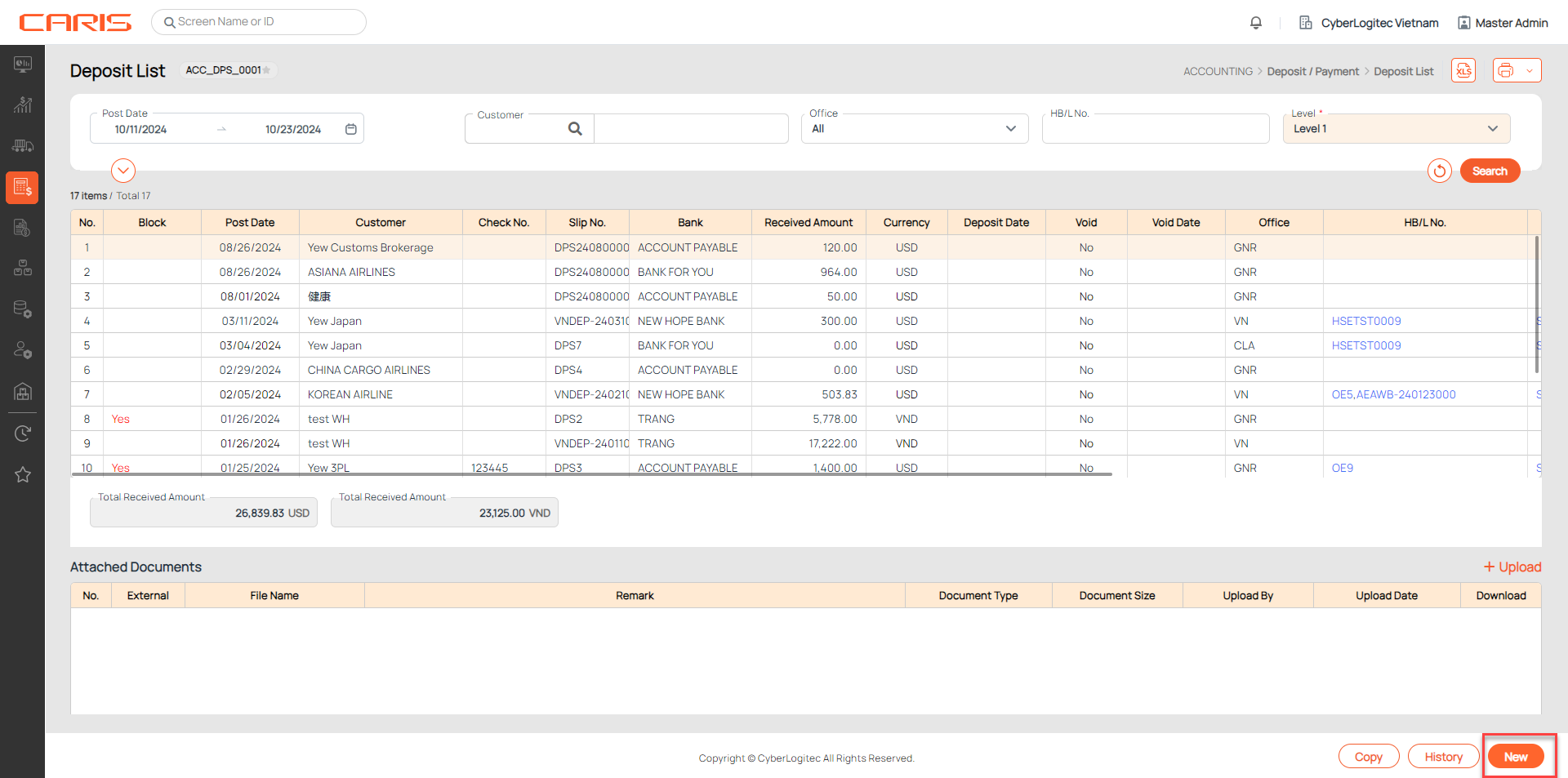
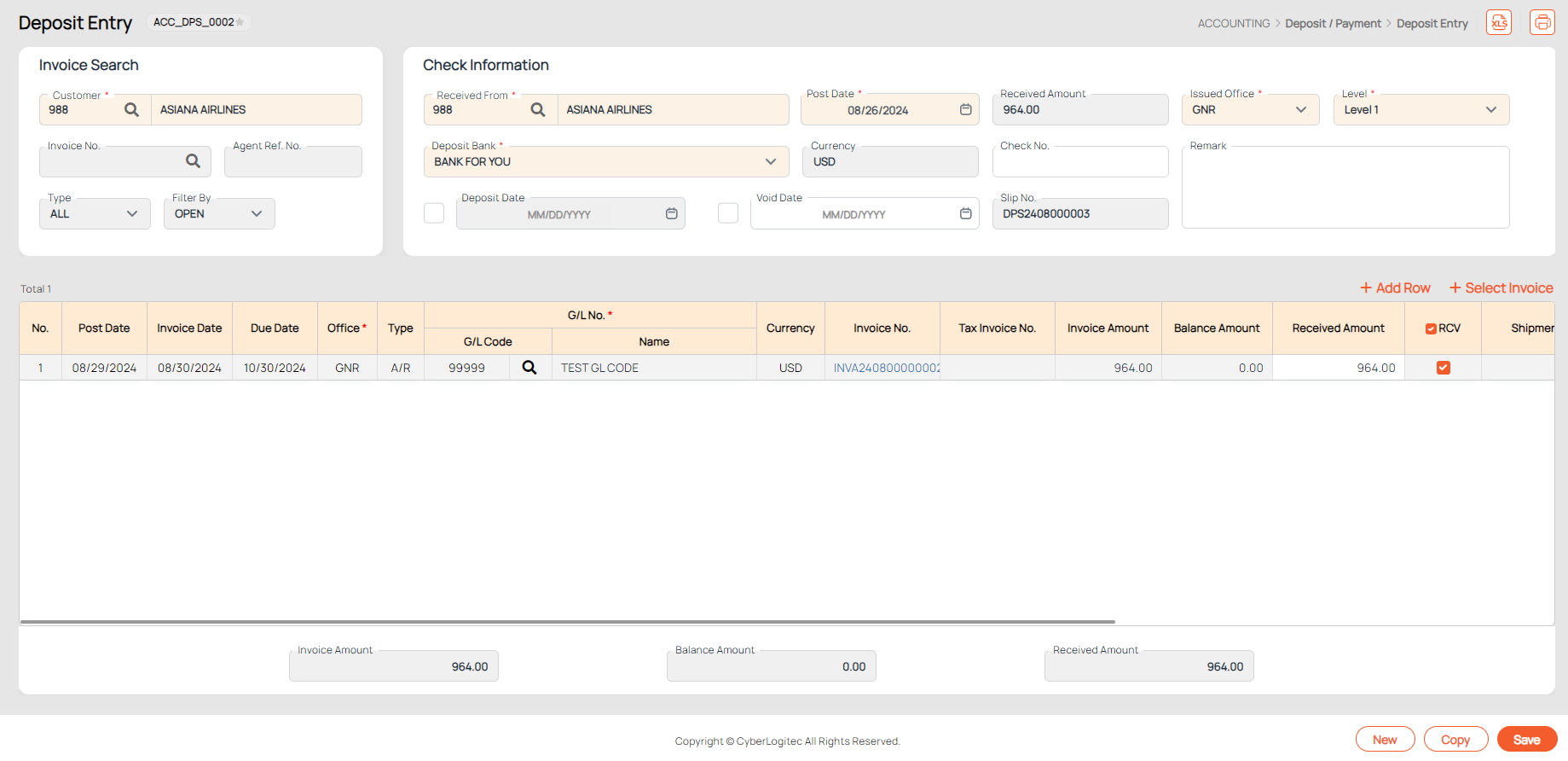
2. You will be led to the Deposit Entry screen.
¶ Copy deposit
1. Select the deposit you would want to copy by single-clicking on a row.
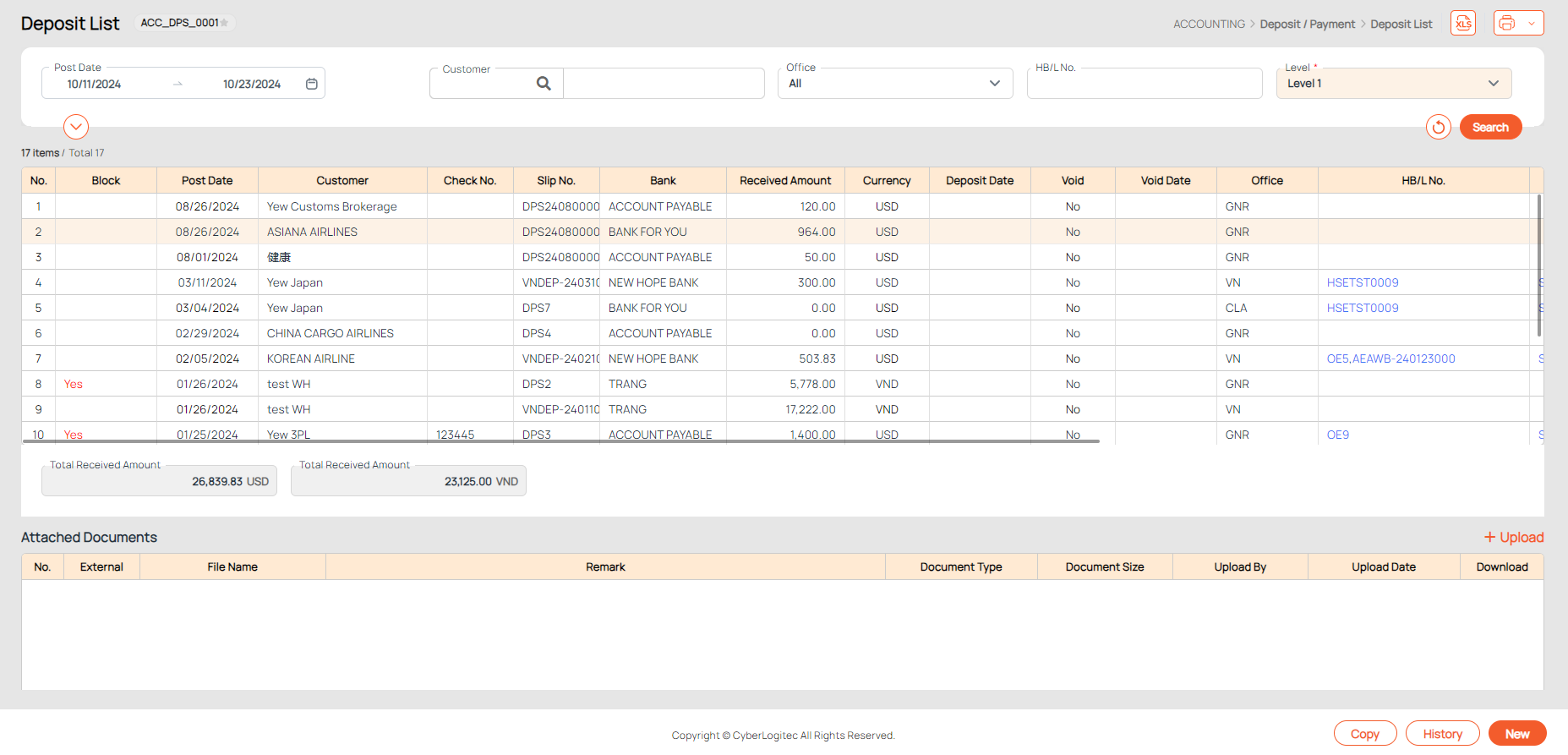
2. Click Copy to go to the Deposit Entry screen. Customer/Received From and Deposit Bank is autofill as selected deposit.
¶ Delete deposit
- Hover over the No. column of a deposit you would want to delete. A trash can icon will appear.
- Click on the trash icon and confirm the deletion.
Note. You cannot delete cleared, voided or blocked deposits.

¶ Check history
Select a deposit and click on the History button to view all updated related to the record.
